
Gone Phishing: How to Be Safe from Personalised Spear-Phishing Attacks
Spear-phishing emails use your name, your colleagues and your projects to look genuine. How these attacks work and ten ways to stop them.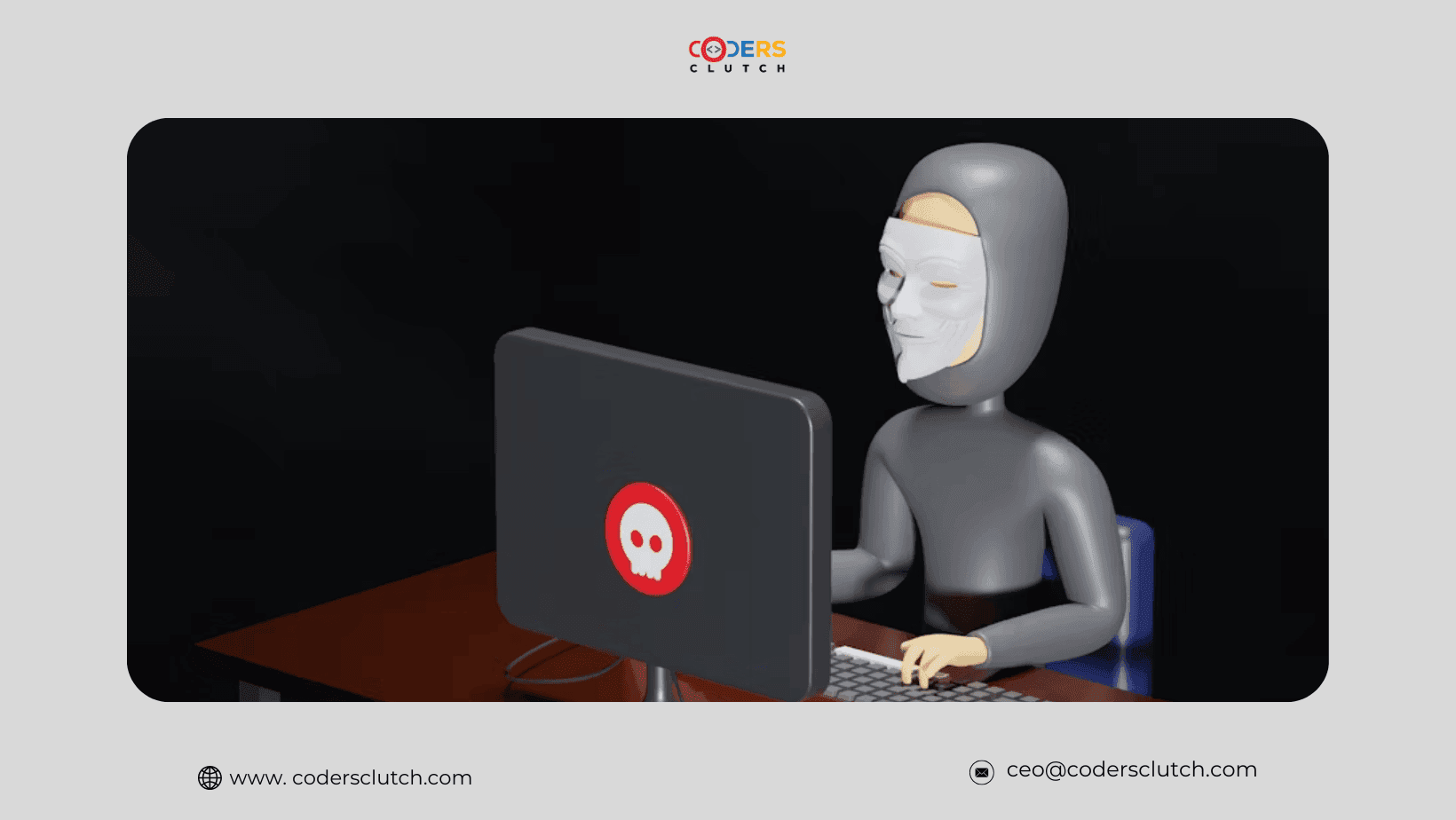
You receive an email from HR asking you to review your performance evaluation. It uses your name, the correct HR signature and even mentions your latest project. The link looks genuine. One click later, your password is stolen and your organisation’s data is exposed.
This is spear-phishing: a targeted, personalised version of the classic email scam, and one of the most common ways attackers get into organisations.
What makes spear-phishing different?
Ordinary phishing sends the same message to thousands of people and hopes a few click. Spear-phishing is aimed at one person or a small group, using details about them to make the message believable and to push them into sharing data, paying money or opening malware.
Where attackers find your details
- Social media profiles, especially LinkedIn
- Company websites, staff pages and press releases
- Data from previous breaches sold online
- Public records and news mentions
Common tactics
- Impersonation: lookalike addresses such as ceo@your-compnay.com.
- Urgency or fear: “Invoice overdue” or “Immediate action required”.
- Attachment traps: files disguised as invoices, CVs or reports that install malware.
- Fake login pages: cloned sign-in screens that capture your password.
- Payment changes: a “supplier” asking you to send money to new bank details.
Five ways to protect yourself
- Think before you click: hover over links to check where they really go.
- Check the sender: look for small misspellings in names and domains.
- Verify unusual requests: confirm by phone or in person, not by replying to the email.
- Turn on multi-factor authentication: a stolen password alone is then not enough.
- Keep software updated: security patches close the holes attackers use.
Five ways to protect your organisation
- Run regular phishing simulations so staff learn to spot fakes.
- Use email security filtering to block known threats before they reach inboxes.
- Apply least-privilege access so one compromised account cannot reach everything.
- Require a second check for payments and changes to bank details.
- Make reporting easy and blame-free so suspicious emails are flagged quickly.
Stay alert, stay secure
If a message feels “off”, it probably is. Pause, verify and report.
Coders Clutch helps organisations find and close these gaps through security assessments, monitoring and staff awareness. Contact us to test how well your team would stand up to a real attack.